Installation Guide
Follow these steps to install and set up ծbot
1
Install Geode
Make sure you have Geode installed from geode-sdk.org/install
- • Be sure to add your GD folder to antivirus exceptions
2
Install the Mod
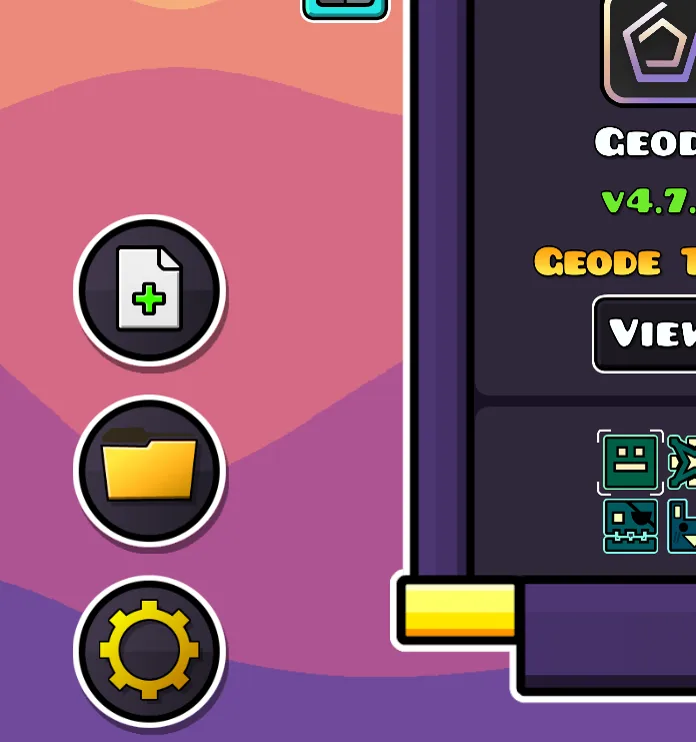
In Geode, click the install mod button and select the downloaded file
3
Restart and Login
Restart the game and click the like button in the main menu

4
Authenticate
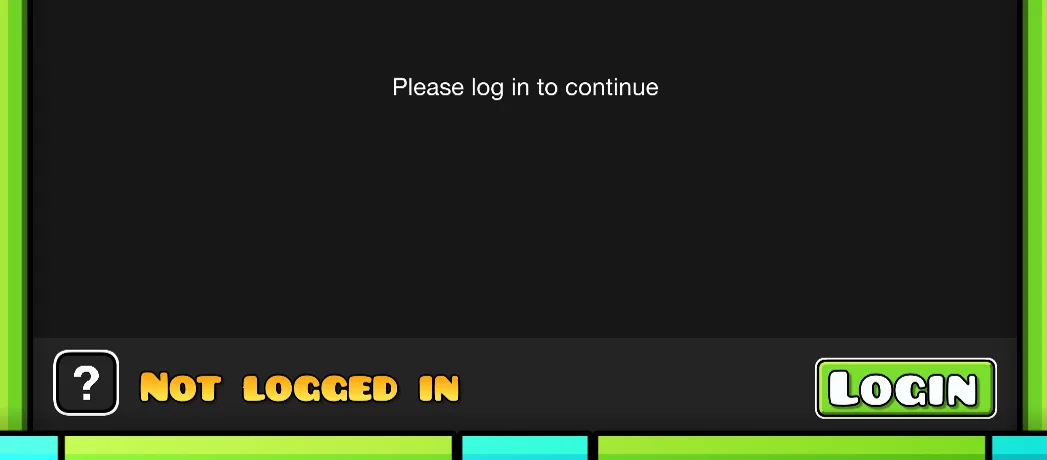
Press the login button
5
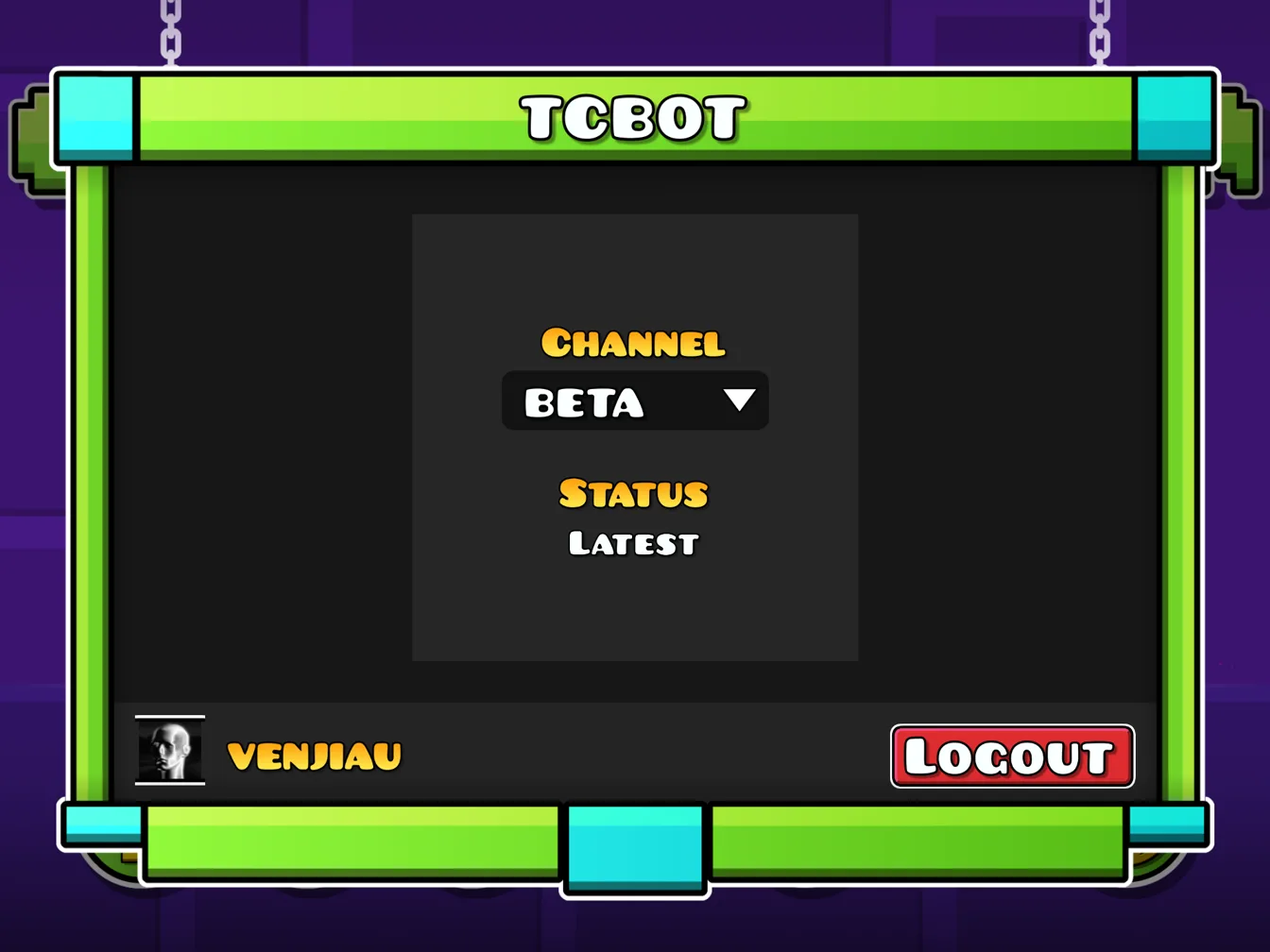
Download and Restart
Wait for the download to complete and restart the game
6
Use the UI
The UI should appear. Default key is Alt - you can change it in the 'Settings' tab by right-clicking 'Toggle Menu'